
Put the words "AI" and "photographer" in the same sentence and watch the room get quiet.
Two groups of people tense up. Clients start wondering if their photos are even real anymore. And other photographers eye you like you've been caught cutting corners. I get both reactions, so I'd rather just tell you straight: here's where AI actually lives in my business, and here's the line I won't cross.
First, the line I won't cross
Your photos are photographs. Real camera, real light, real moment. When I shoot your wedding, I'm not generating people who weren't there. I'm not dropping you into a sunset that never happened that day. I'm not inventing a first kiss, a tear, or a toast that the room didn't actually witness. If it's in your gallery, it happened, and I was standing there for it.
Same goes for headshots. I'm photographing the real you — not running your face through some filter that smooths you into a video game character. You should still recognize yourself in the mirror the next morning.
That's the whole foundation. Everything below sits on top of it.
Claude is my assistant
I keep an AI assistant — Claude — in my back pocket as an editor. Before a blog post, an email, or a gallery description goes online, I run my words through it to tighten the rambling, catch the typo I've read past four times, and make sure I'm actually saying the thing I mean. The ideas and the voice are mine. It's the second set of eyes I don't have to wait on.
Over at A Trillion Souls, where I shoot concerts and write about music, I'll use AI to help organize research or knock the rust off a draft before I make it mine. Same rule as everywhere else — it helps me get going, but the take is always my own.
Full transparency: a post like this one starts as a back-and-forth with said assistant before I shape it into my own words. I'd rather you know that than pretend I stay up late to write everything from scratch until 2 a.m.
Getting found on Google
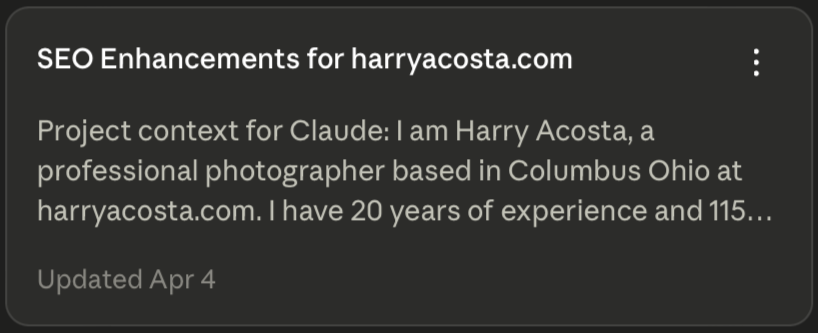
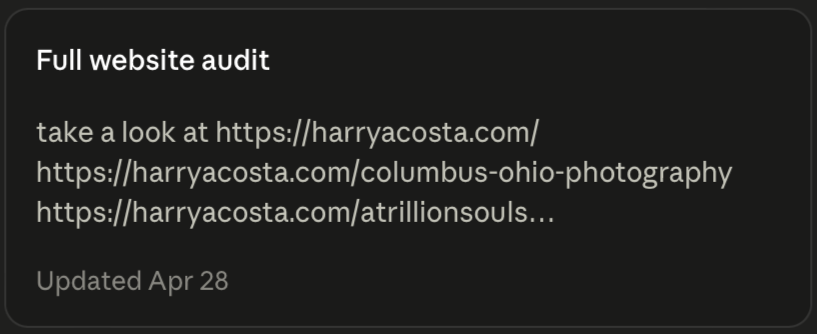
None of my work matters if you can't find me. So I use Claude to help with the unglamorous SEO side — sharpening the titles and descriptions on my pages, figuring out the phrases real people in Columbus actually type when they're hunting for a wedding or headshot photographer, and structuring my posts so Google can make sense of them. There’s no tricks or magic. It's making sure the work shows up for the people already looking for it.
Building tools for my own site
This one surprised me. I wanted my client reviews to live on my site the way I pictured them — not crammed into whatever a template happens to allow. So I worked with Claude to write the custom code for a little app that pulls my reviews together and displays them the way I want. I'm a photographer, not a developer, but I can describe what I want and build it alongside a capable assistant. The reviews you see on my site were built, not borrowed.
The reviews app wasn't the only one. We also built a before-and-after slider — drag it across an image and watch a retouched photo turn back into the raw frame it started as — so you can see exactly what my editing does instead of taking my word for it. Same approach: I knew the experience I wanted, and Claude helped me write the code to make it real.
Wrangling 16 SSDs
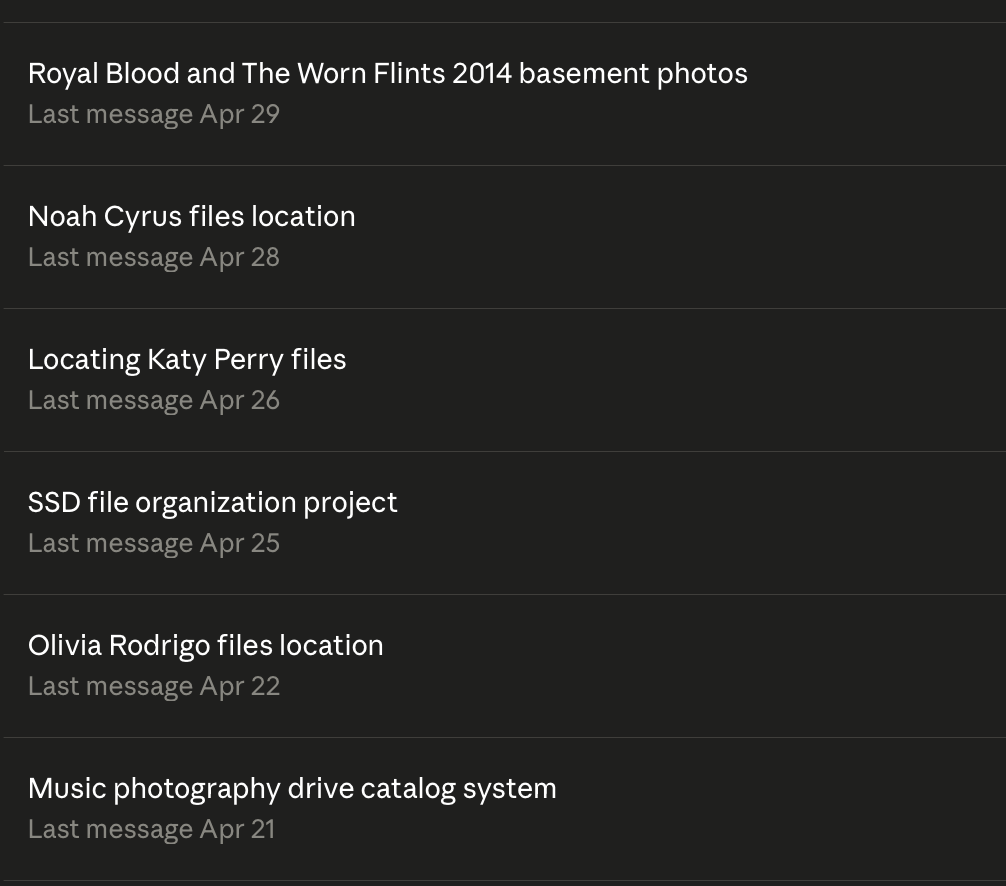
Years of weddings, headshots, commercial shoots, and concerts add up to a lot of drives — sixteen SSDs and counting. The real nightmare isn't storage, it's finding the one shoot from three years ago when a client comes back. Claude helped me build a system to organize and catalog all of it so I can actually put my hands on a file when I need it, instead of plugging in drives one at a time and praying. Boring? Completely. But it means when you email me in 2030 for a change and a reprint, I'll find it.
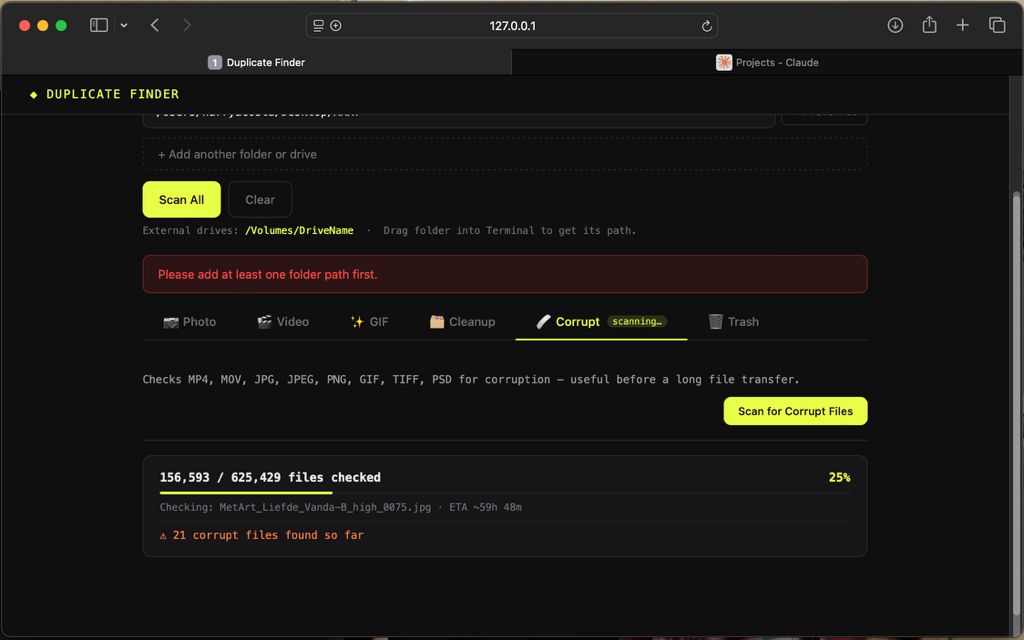
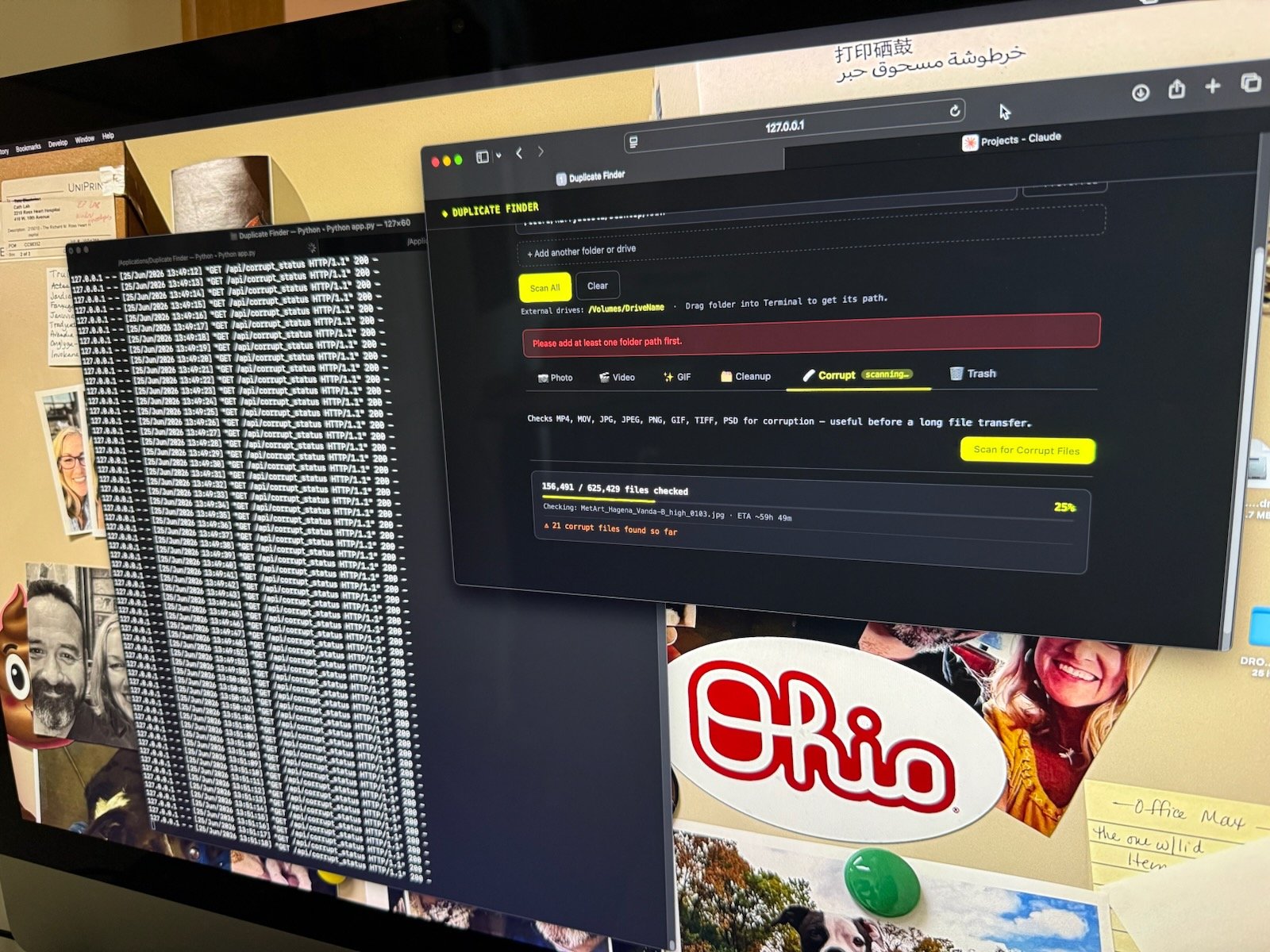
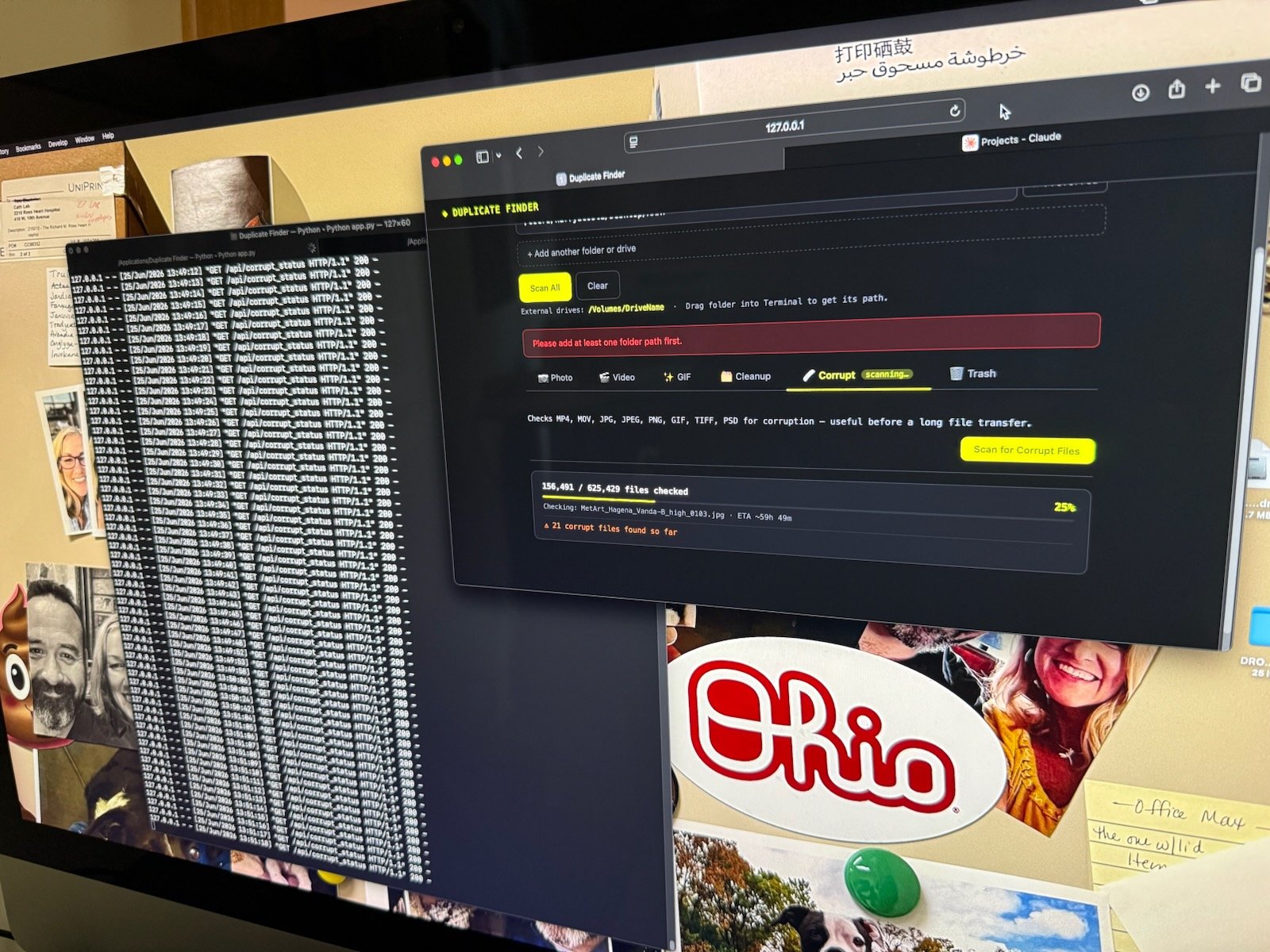
The other half of that mess is one I make myself. I'm always pulling files out of galleries to post on social media and then forgetting to delete them, and I bounce between three different computers, so duplicate photos breed everywhere. So we built another tool — a little app I run from Terminal on my Mac — that hunts down duplicates across my computers and drives. It doesn't just match filenames; it compares the actual bytes, so it catches the same photo even when it's been renamed five times over. That one has probably clawed back a full terabyte of space already.
Bridge and Photoshop — the actual editing
Here's where the work meets your photos, and here's where I'm most careful.
I cull and browse in Adobe Bridge — by eye, by hand. No software decides which of your frames is the keeper. I do, the same way I always have.
Then there's Photoshop, which I also use the way I always have. A few of its tools are simply enhanced with AI now — Denoise to rescue a noisy low-light shot, and Generative Upscale to push resolution on a small file that I may not have the RAW file anymore (I no longer have the RAW files for Green Day or the first time I shot Frank Turner). These are faster versions of the cleanup and rescue work photographers have done for decades.
The one exception: messing around

The part of Adobe Firefly I steer clear of is the generative side — the standalone app that conjures imagery out of nothing. It runs on credits, and I rarely touch it for my business at all. That's the image-generation line I told you about up top, and on your photos I stay firmly on the right side of it.
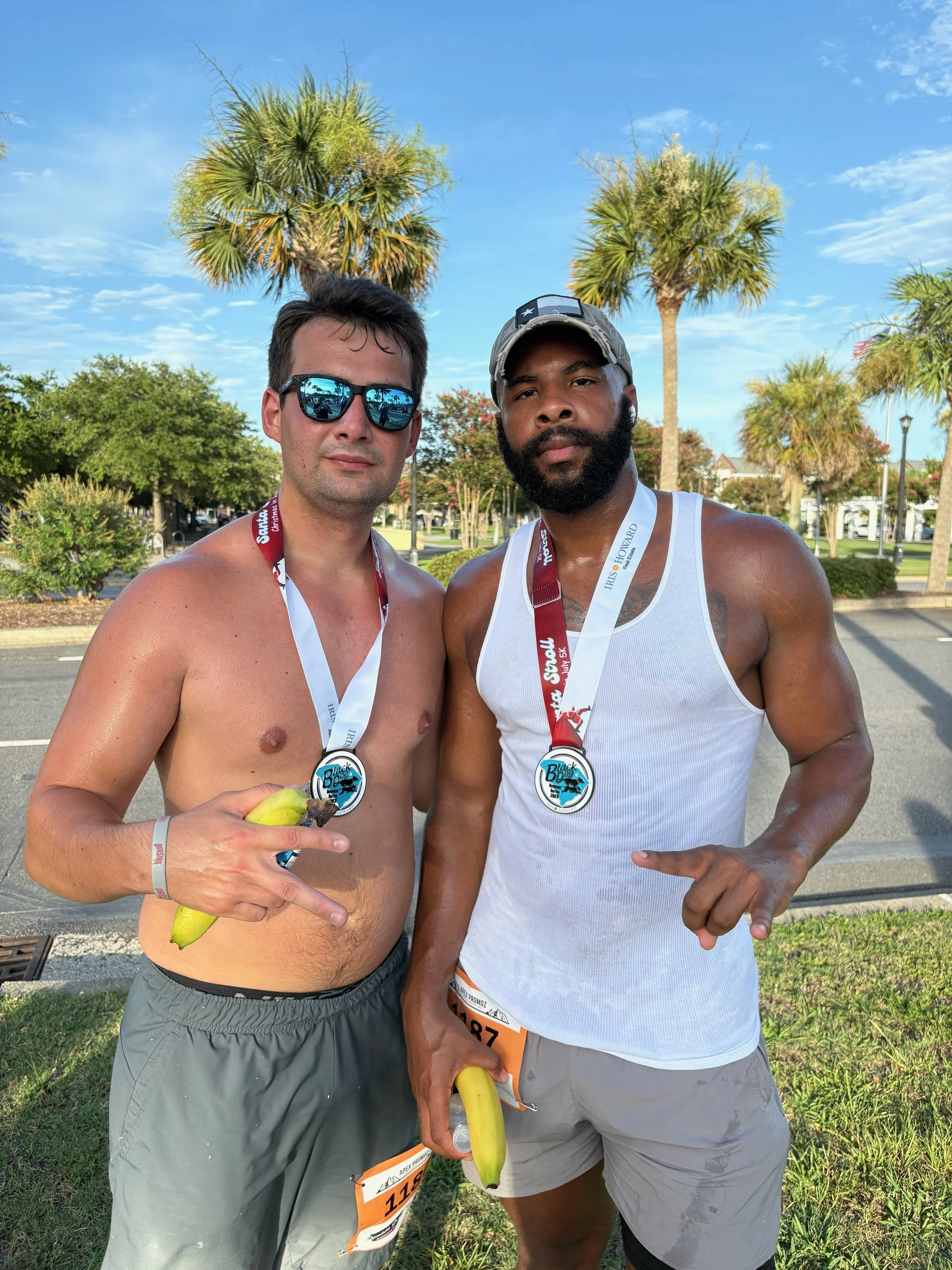
The one place it earns its keep is pure goofing off. On a family trip to Myrtle Beach last year, my son and his friend Micah ran a 5K, and afterward the kids turned their finish-line photo into something gloriously stupid with Firefly — a joint comedy bit between them and another friend. Before and after below; you'll get the idea.
That's the only spirit I use it in: for laughs, with people who are in on the joke. Never on the photos you're paying me for.
Planning before the day
Maybe it is because I’m a Virgo, but before a wedding I'm building timelines, family-photo lists, cgear checklists, and shot priorities so nothing gets missed in the chaos. AI is a useful sparring partner for that — sketching a first draft of a timeline I then rework around your actual day, or helping me think through a tricky family grouping so Grandma isn't standing for twenty minutes.
My music side
Over at A Trillion Souls, where I shoot concerts and write about music, I'll use AI to help organize research or knock the rust off a draft before I make it mine. Same rule as everywhere else — it helps me get going, but the take is always my own.
Why any of this is good for you
It's simple. Every hour AI saves me on SEO, file-wrangling, admin, and first drafts is an hour I give back to the things that can't be automated — being fully present on your day, making real editing decisions on your photos, and getting your gallery to you without making you wait forever.
I'm not using AI to do less work. I'm using it to spend more of my time on the part you actually hired me for.
A quick word to other photographers
If you're scared of this stuff or pretending you don't touch it — I get it. But the tools aren't the threat. Using them to fake the work is. Let the assistant handle the grunt work and pour the time you save back into your craft and your clients. That's the whole game.
Want photos that actually happened, made by a real person who happens to use good tools? Take a look at my work and reach out — I'd love to hear about your day.
Planning before the day
Before a wedding I'm building timelines, family-photo lists, and shot priorities so nothing gets missed in the chaos. AI is a useful sparring partner for that — sketching a first draft of a timeline I then rework around your actual day, or helping me think through a tricky family grouping so Grandma isn't standing for twenty minutes.
Why any of this is good for you
It's simple. Every hour AI saves me on SEO, file-wrangling, admin, and first drafts is an hour I give back to the things that can't be automated — being fully present on your day, making real editing decisions on your photos, and getting your gallery to you without making you wait forever.
I'm not using AI to do less work. I'm using it to spend more of my time on the part you actually hired me for.
A quick word to other photographers
If you're scared of this stuff or pretending you don't touch it — I get it. But the tools aren't the threat. Using them to fake the work is. Let the assistant handle the grunt work and pour the time you save back into your craft and your clients. That's the whole game.
Want photos that actually happened, made by a real person who happens to use good tools? Take a look at my work and reach out — I'd love to hear about your day.